

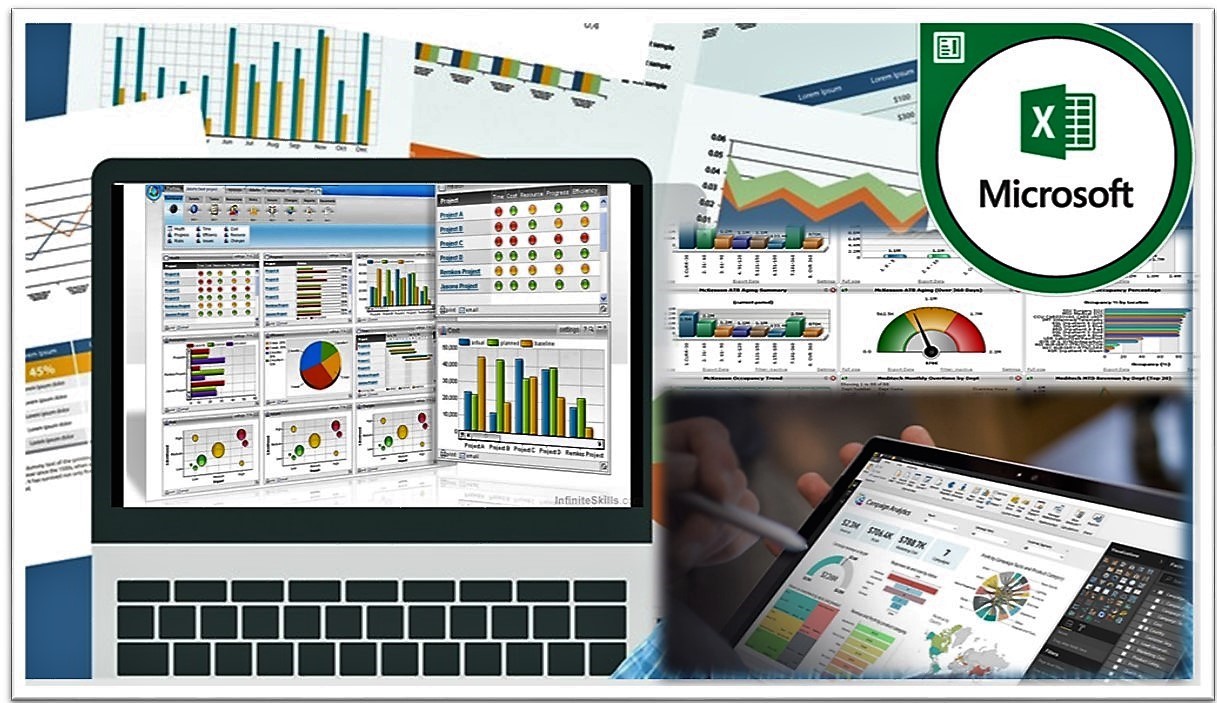
Advanced Data Analysis and Dashboard Reporting
02 -06 December 2024
Sandton
Johannesburg South Africa
Cost per Delegate
R17,999.00
Course Overview:
Data analysis and dashboard reporting have become an emerging requirement for many businesses today. Employees are frequently asked to prepare management reports, scorecards, and dashboard charts in order to help the management in their decision-making process.
This course will help you understand advanced levels of analysis and reporting and allow you to create custom reports. The course will cover various tools and techniques used to perform data reporting, analysis and visualisation. It will also discuss high-level modelling techniques, data amalgamation, report visualisation, and possible cases of automation.
Microsoft Excel is one of the most powerful and popular data analysis programs on the market today but not many people know how to use it to its full potential, so this course will teach you how to take your use of Excel to the next level.
This training course will empower you with the widely sought-after skills necessary to effectively analyse large sets of data. Once the data has been analysed and prepared for presentation, you will also learn how to present the data using interactive dashboard reports.
Course Objectives
• Understand the principles of data analysis
• Uncover the tools to analyse data and construct reports using Excel
• See how to use visualisation techniques to improve presentation of information
• Study how to condense, present and convey data clearly and succinctly
• Enhance the efficiency of executing mundane tasks through recording, writing and editing macros
• Understand the principles of great dashboard design and how to present data vividly
• Perform advanced and dynamic data validations
• Design exceptional visualisation charts, dashboards, scorecards, and flash reports
• Build custom reports using advanced form controls and buttons
Who should Attend?
• Business professionals
• Accountants, finance
analysts/managers/controllers, senior and junior accountants
• Business analysts
• Research analysts
• Marketing and sales, administrative staff, supervisors,
• Specialists engaged in data analysis and dashboard reporting using Excel
• Employees from any function who need to learn and apply state-of-the-art techniques to their daily business reporting, reconciliations, and analysis
Course Outlines:
MODULE 1: ESSENTIAL REPORTING REQUIREMENT SKILLS
• Advanced pivot charts techniques
• Multiple consolidation ranges
• Retrieving external data using Microsoft query
• The rules of pivot tables and pivot charts
• Slicer techniques
• Importing text files using MS query
• Connecting to access databases
• Connecting to SQL databases
• Importing from data connection wizard
• Importing from Microsoft query
• Customising connections properties
MODULE 2: BUILDING THE EXCEL DASHBOARD – LOOKUP DATA
• Looking up customer info
• Preparing the data using format as table
• Creating a dropdown menu
• Looking up data with Excel’s VLOOKUP function
• Cleaning up data with Excel’s if function
• Index and match an alternative to VLOOKUP
MODULE 3: BUILDING THE EXCEL DASHBOARD – FILTERING DATA
• Adding the order history table
• Formatting orders as a table
• Using excels advanced filter feature
• Record macro for advanced filter
• Modify the VBA filter code
MODULE 4: BUILDING THE EXCEL DASHBOARD – SUBTOTALS
• Why use Excel’s subtotal function
• Implementing the subtotal function
MODULE 5: BUILDING THE EXCEL DASHBOARD – PIVOT TABLES AND PIVOT CHARTS
• Why use pivot tables
• Summarising order info with pivot tables
• Prepare a pivot table for customer filter
• Creating the VBA procedure
• Declaring VBA variables
• Assigning values to VBA variables
• Connecting the filter to the pivot table
• Customers with no orders error
MODULE 6: BUILDING THE EXCEL DASHBOARD – INTERACTIVE BUTTONS
• Creating interactive charts with slicers
• Modifying the chart slicer
MODULE 7: BUILDING THE EXCEL DASHBOARD – FORMATTING
• Hiding extra worksheets and columns
• Cleaning up the Excel default settings
• Protecting the dashboard
MODULE 8: ADVANCED DATA STRUCTURING TECHNIQUES
• Custom and advanced data validation
• Creating and managing innovative conditional formatting
MODULE 9: CHARTING AND VISUALISATION TECHNIQUES
• Creating dynamic labels
• Using the camera tool
• Working with formula-driven visualisations
• Using fancy fonts
• Leveraging symbols in formulas
• Working with sparklines
• Creating unconventional style charts
• Fancy thermometer charts
• Coloured chart bars
MODULE 10: BUILDING REPORT SOLUTIONS
• Conceptualising and understanding report solutions
• Developing a report solution
• Configuring spreadsheet report data options
• Enabling background refresh
• Refreshing data when opening the file
• Combo-box data modelling tool
• List-box data modelling tool
• Form controls data modelling tools
• Spinner
• Option-button modelling
• Check-box data models
• Combo and group-box
MODULE 11: MACRO CHARGED REPORTING
• Recording, editing, testing VBA macros
• Building a macro-driven reconciliation program
• Building a budget variance reporting program
• Building a vendor and invoice analysis report
End of the Workshop
For Training arrangements call us on the detail below
TANZANIA: +255 749 50 26 78
SOUTH AFRICA: +27 694 31 79 73
KENYA: +255 749 50 26 78
DUBAI: +27 694 31 79 73
